Introduction
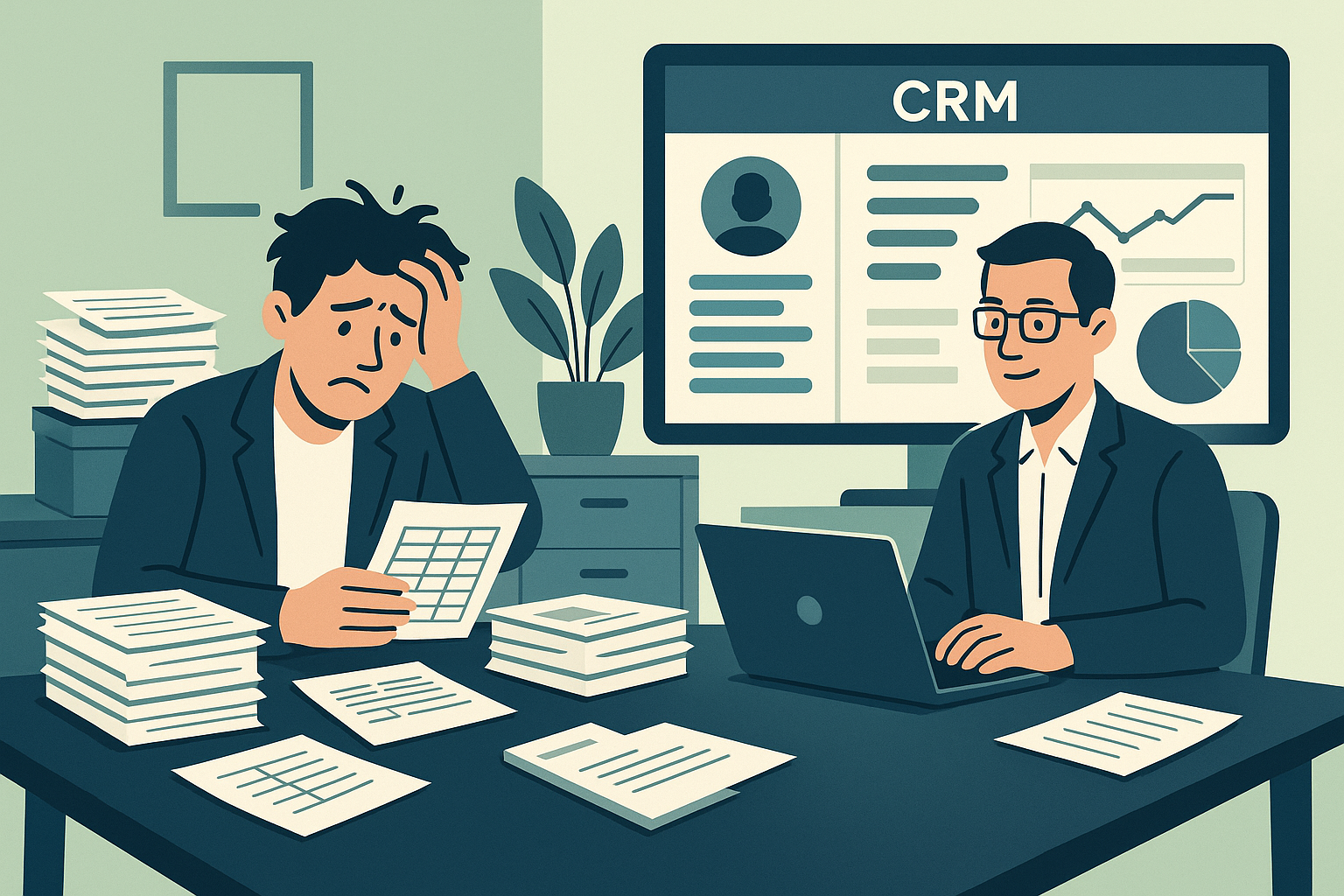
Spreadsheets have long been the go-to tool for small business management. They’re familiar, flexible, and free—making them the natural choice for startups and solo entrepreneurs. But as your business grows, the cracks start to show. What once felt simple and efficient can quietly start costing you in ways you never expected—missed follow-ups, duplicate data, and even lost customers.
At Amstonix Technologies, we work with small and mid-sized businesses around the world to transition from spreadsheets to custom CRMs. In this blog, we’re diving into the hidden costs of relying on spreadsheets and what your business stands to gain by switching to a CRM.
1. Time is Money — and You’re Losing It
Let’s start with time. Spreadsheets are manual by nature. Every update, every formula, every report—someone has to do it by hand. This might not seem like a big deal when you're managing 10 customers, but what about 100? Or 1,000?
Here's what this time drain looks like:
-
Manually inputting customer interactions
-
Tracking follow-ups using calendar reminders
-
Duplicating effort across multiple departments
-
Creating reports from scratch weekly
When you add it up, businesses can lose dozens of hours each month—time that could be spent closing deals or growing operations.
???? CRM Advantage:
A custom CRM automates these processes. Updates, reminders, and reports are generated in real-time with zero manual input.
2. Data Errors and Inconsistencies
One wrong copy-paste or a misplaced decimal point can ruin your day—or your quarter. Spreadsheets are extremely prone to human error, especially when shared between multiple users. These mistakes are hard to catch and can lead to inaccurate forecasting, customer dissatisfaction, or even financial loss.
Common spreadsheet pitfalls:
-
Version control issues
-
Incorrect formulas
-
Accidental data deletions
-
Overwriting other users’ changes
???? CRM Advantage:
CRMs validate inputs, track changes, and allow role-based access. That means cleaner data and far fewer errors.
3. Limited Collaboration and Accessibility
As your team grows, collaboration becomes critical. Spreadsheets aren’t built for multi-user environments. They’re clunky on mobile, vulnerable to overwrites, and difficult to manage across departments.
Imagine your sales team and support team both updating the same file from different locations. What could possibly go wrong?
???? CRM Advantage:
A CRM provides live access, cloud syncing, and user-specific permissions—so teams collaborate without stepping on each other’s toes.
4. No Real-Time Business Insights
Want to know how many leads you’ve closed this week? Which product is your top seller? Or which team member is falling behind on follow-ups?
Spreadsheets make answering these questions painful. You need to create pivot tables, write formulas, and refresh data manually. And even then, your data might already be outdated.
???? CRM Advantage:
Real-time dashboards give you actionable insights instantly. Whether it’s sales trends, conversion rates, or campaign performance, it’s all at your fingertips.
5. Scalability Roadblocks
Spreadsheets are fine… until they’re not. As your business scales, the limitations become more obvious. With more customers, products, services, and employees, your simple file turns into a tangled mess.
-
File loading becomes slower
-
Navigating becomes harder
-
Data becomes fragmented
At this stage, you’re not just inefficient—you’re vulnerable. Customers fall through the cracks, team productivity drops, and growth stalls.
???? CRM Advantage:
Custom CRMs are designed to scale. Whether you manage 100 or 10,000 records, performance and usability remain consistent.
6. Security Risks
Most spreadsheet tools don’t offer enterprise-grade security. A lost laptop or shared link can expose sensitive customer data or financial records. And let’s be honest—when’s the last time you backed up your Excel file?
???? CRM Advantage:
Custom CRMs include encryption, access controls, and regular backups—giving you peace of mind and GDPR compliance (especially important for UK and US businesses).
7. Missed Opportunities and Revenue Loss
Here’s the big one: revenue. If your leads aren’t tracked, if follow-ups are missed, if customer relationships aren’t nurtured—your bottom line suffers. You may not see it immediately, but these missed opportunities add up.
A spreadsheet won’t notify you when it’s time to reconnect with a dormant lead or when a deal is about to expire. A CRM will.
Real-World Example (No Names, Just Insight)
One of our clients, a property management firm, was juggling 12 Excel files to track tenants, maintenance, invoices, and appointments. By building a tailored CRM that brought everything under one roof, they saved over 30 hours a month and reduced customer response time by 60%.
So, What’s the Real Cost of Your Spreadsheet?
Here’s a quick breakdown:
| Cost Area | Spreadsheets | CRM |
|---|---|---|
| Time efficiency | ??? Manual | ??? Automated |
| Data accuracy | ??? Error-prone | ??? Validated |
| Collaboration | ??? Risky | ??? Seamless |
| Business insight | ??? Delayed | ??? Real-time |
| Scalability | ??? Limited | ??? Scalable |
| Security | ??? Basic | ??? Robust |
| Opportunity cost | ??? High | ??? Low |
Conclusion
Spreadsheets are great for getting started. But if you’re aiming for sustainable growth, stronger relationships, and higher profits, they simply won’t cut it.
At Amstonix, we build custom CRM solutions that match your business flow—whether you're managing invoices, properties, leads, or donors. Let's help you stop managing chaos and start scaling with clarity.
Need help making the switch?
Reach out to us for a free consultation and see how a custom CRM could transform your operations.